Trello brings all your tasks, teammates, and tools together
Keep everything in the same place—even if your team isn't.
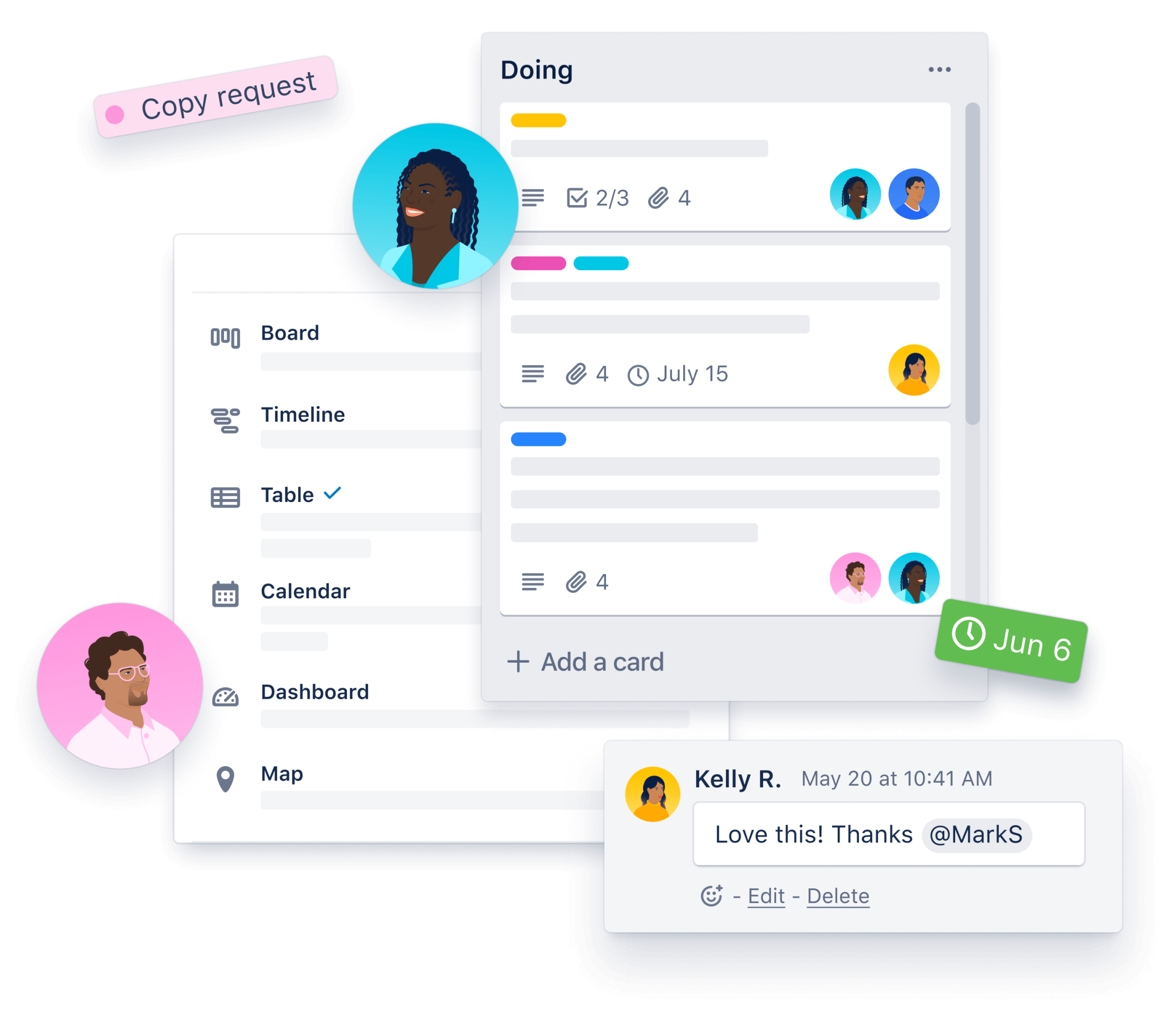
Simple, flexible, and powerful. All it takes are boards, lists, and cards to get a clear view of who's doing what and what needs to get done. Learn more in our guide for getting started.
Trello boards keep tasks organized and work moving forward. In a glance, see everything from “things to do” to “aww yeah, we did it!”
ListsThe different stages of a task. Start as simple as To Do, Doing or Done—or build a workflow custom fit to your team's needs. There's no wrong way to Trello.
CardsCards represent tasks and ideas and hold all the information to get the job done. As you make progress, move cards across lists to show their status.
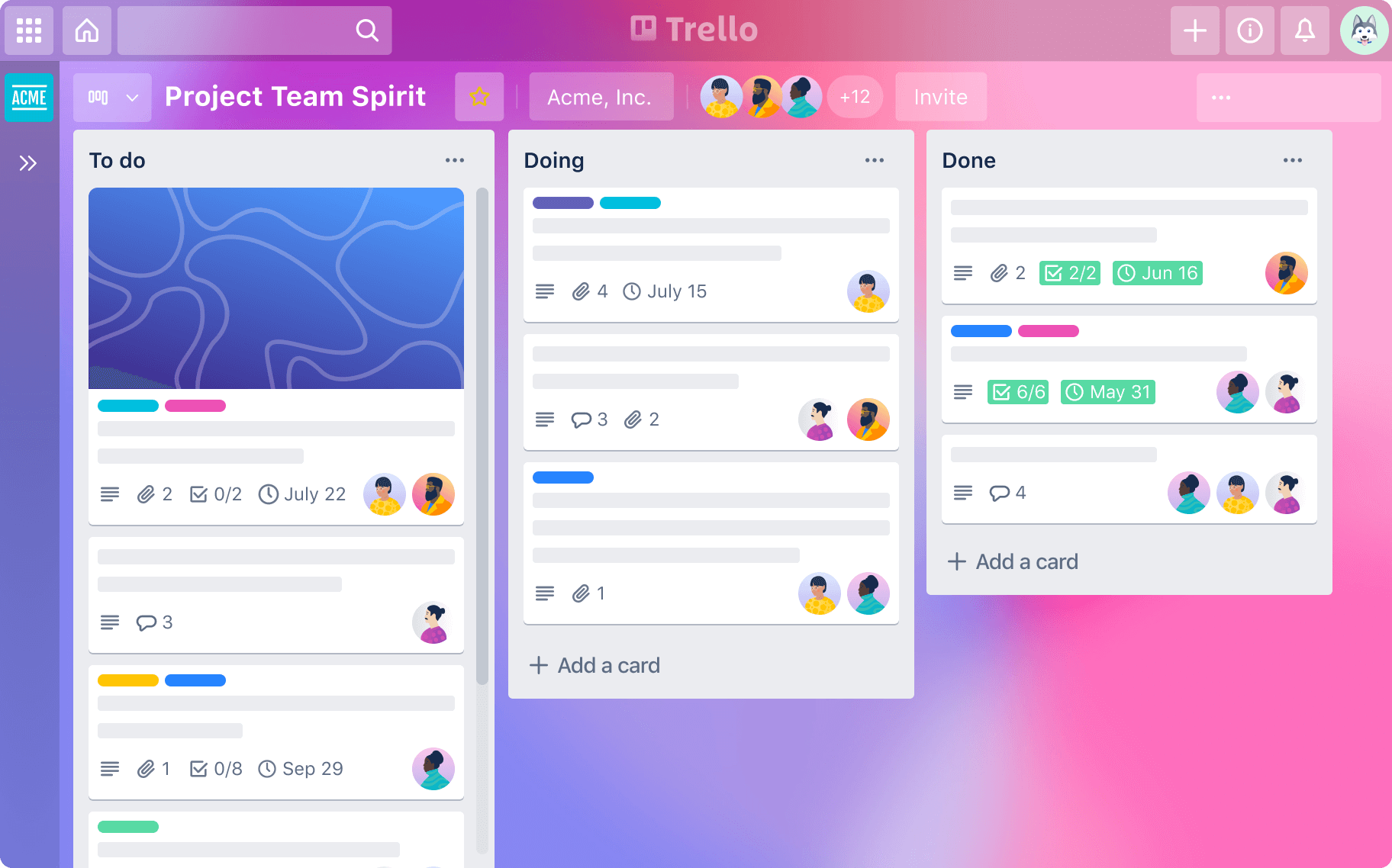
Keep tasks in order, deadlines on track, and team members aligned with Trello.
Empower your team meetings to be more productive, empowering, and dare we say-fun.
Onboarding to a new company or project is a snap with Trello's visual layout of to-do's, resources, and progress tracking.
No need to start from scratch. Jump-start your workflow with a proven playbook designed for different teams. Customize it to make it yours.
Explore All Use CasesView your team's projects from every angle and bring a fresh perspective to the task at hand.
Discover All Trello views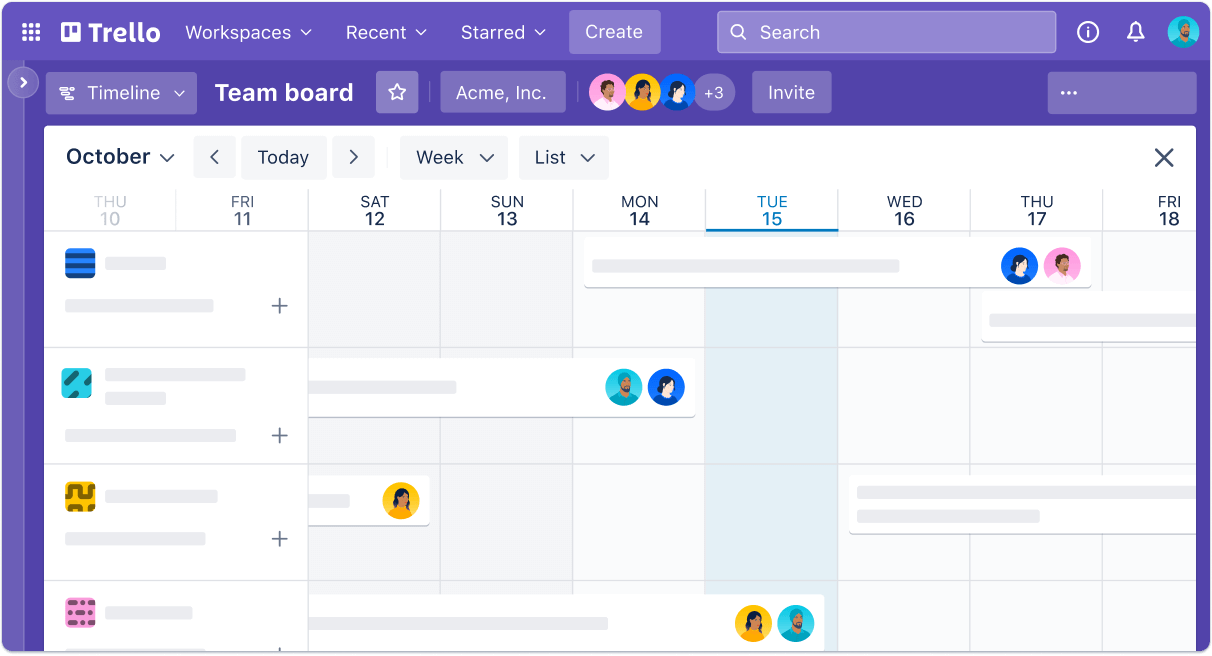
From weekly sprints to annual planning, Timeline view keeps all tasks on track. Quickly get a glimpse of what's coming down the pipeline and identify any gaps that might impede your team's progress.
Learn more about Timeline view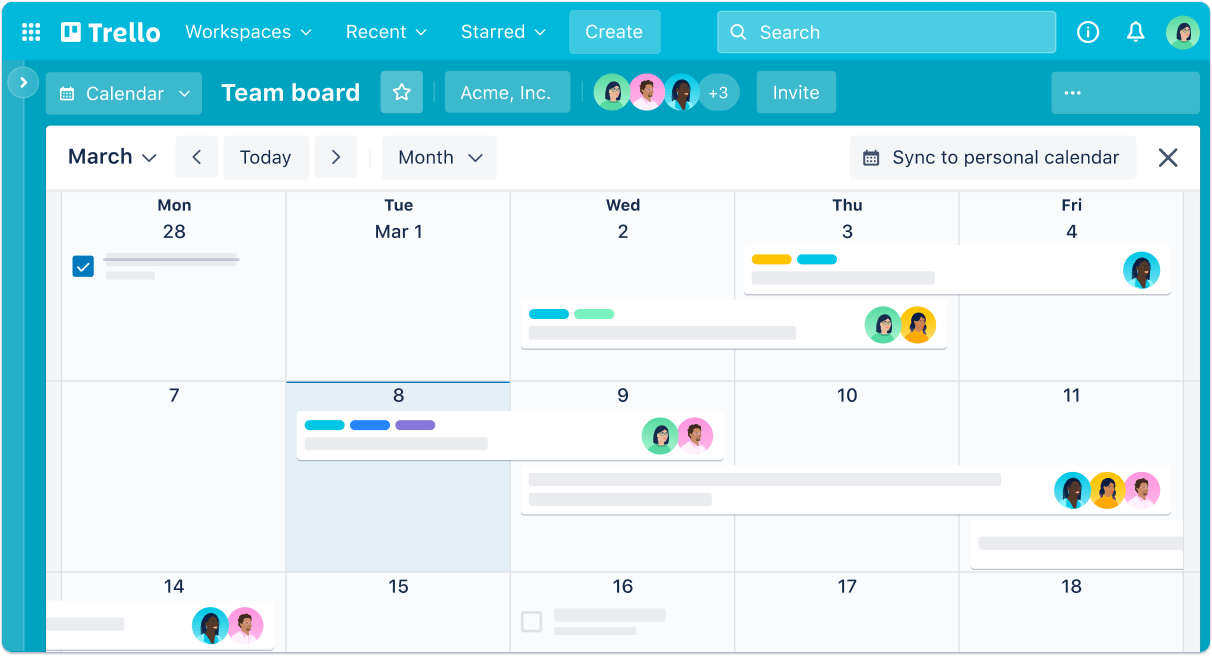
Start each day without any surprises. Whether scheduling an editorial calendar or staying on top of to-dos, Calendar view is like a crystal ball giving you a clear vision of what work lies ahead.
Learn more about Calendar viewTrello's intuitive features give any team the ability to quickly set up and customize workflows for just about anything.

Connect the apps your team already uses into your Trello workflow or add a Power-Up to fine-tune your specific needs.
Browse Integrations
No-code automation is built into every Trello board. Focus on the work that matters most and let the robots do the rest.
Get to know Automation
The productivity tool teams love, paired with the features and security needed for scale.
Explore Enterprise[Trello is] great for simplifying complex processes. As a manager, I can chunk [processes] down into bite-sized pieces for my team and then delegate that out, but still keep a bird's-eye view.
Joey Rosenberg
Global Lead ership Director at Women Who Code
$0USD
Free for your whole team
For individuals or teams looking to organize any project.
$5USD
Per user/month if billed annually ($6 billed monthly)
For small teams that need to manage work and scale collaboration.
Learn more aboout standard$17.50USD
Per user/month - billed annually ($210.00 annual price per user)
For organizations that need to connect work across teams with more security and controls.
Learn more about enterpriseJoin over 2,000,000 teams worldwide that are using Trello to get more done.
.svg)
What's behind the boards.
Learn about open roles on the Trello team.
Download the Trello App for your Desktop or Mobile devices.
Need anything? Get in touch and we can help.
.svg)
.svg)
.svg)

.svg)